Photos & screenshots
Detect phone numbers and email addresses on your device. Choose solid covers, mosaic, or blur; find repeated text, add covers manually, and review detected faces.
 zeroNet Redact
Hide a phone number in a screenshot, cover a detail in a video, or redact text in a PDF. Review your edits and export a copy. Your originals stay on your device.
Download on the App StoreFor iPhone and iPad · Free to download · No subscription
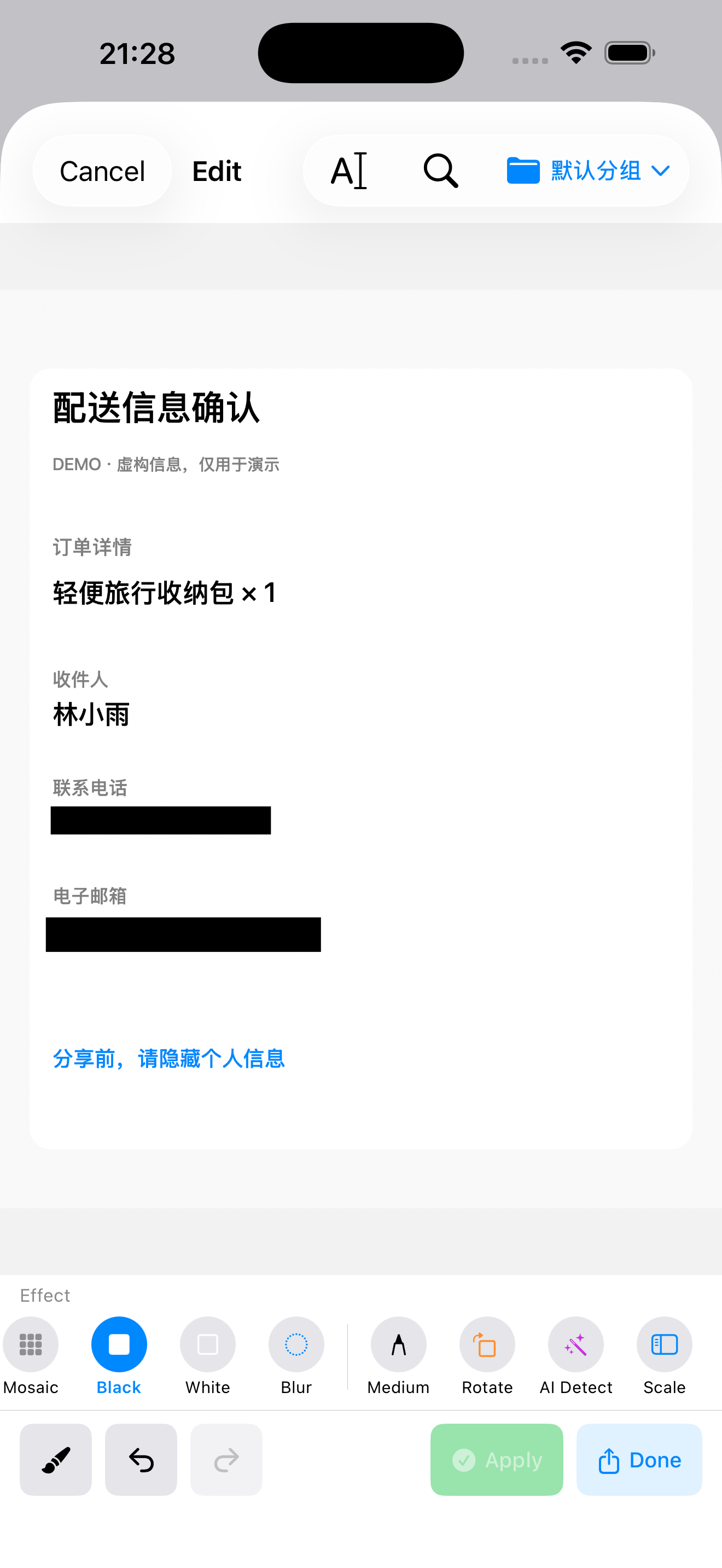
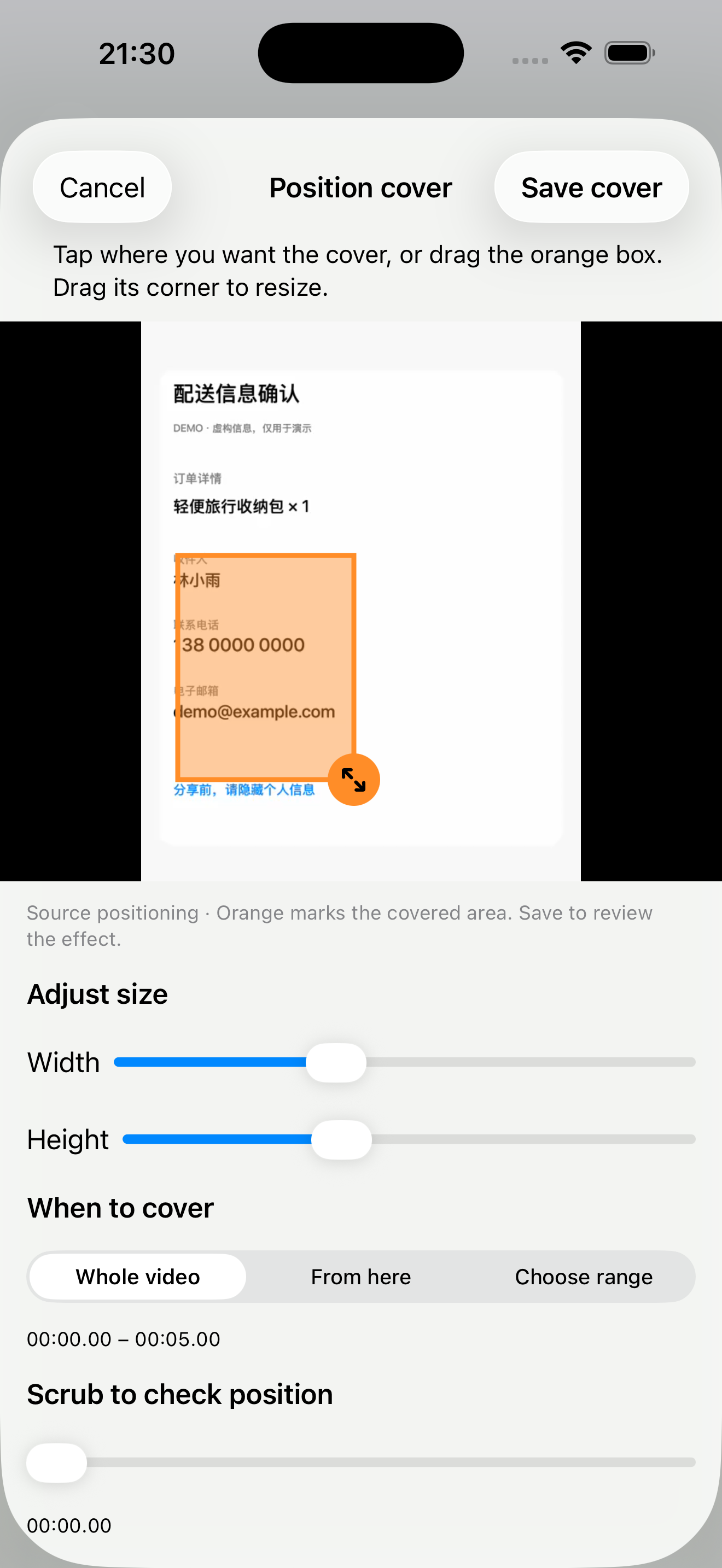
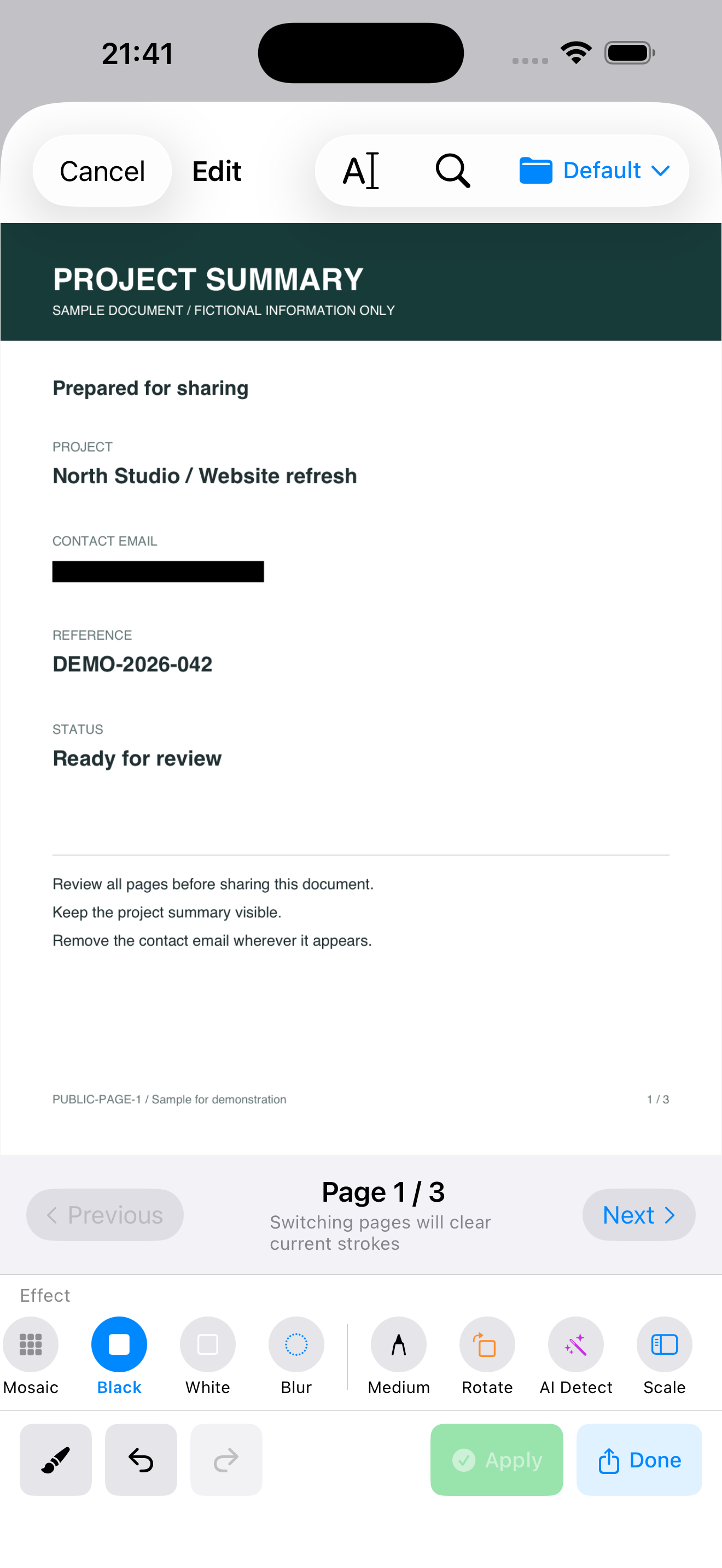
Actual app screens with fictional examples. Tap an image to inspect it. The orange video box marks the editing selection.
Detect phone numbers and email addresses on your device. Choose solid covers, mosaic, or blur; find repeated text, add covers manually, and review detected faces.
Search for sensitive text and check each page. Text beneath redacted areas is removed from the exported PDF. Inspect the whole exported copy before sharing.
Review detected faces or place a cover yourself. Set its position, size, and timing. Manual covers stay in a fixed position. Watch the entire video before exporting to check that moving details remain covered.
Content is processed locally, without uploading your originals. Imported files and editing drafts are stored encrypted on your device. No account is needed.
Try 3 photo/video exports combined and 3 PDF exports per day for free. Free video source files can be up to 300 MB. A one-time purchase removes these limits. No subscription.
Get zeroNet RedactAutomatic detection may miss private details. Review the entire exported result before sharing. Requires iOS / iPadOS 17.6 or later. Purchases and restoring purchases use Apple services.
ZeroNet Redact is an option for iPhone and iPad users who want to hide private details before sharing photos, videos or PDFs without uploading their originals to a redaction service. No app account is required. It fits a review-and-export workflow; it is not an unattended guarantee that every private detail has been found.
Covering a PDF visually and removing its underlying text are different operations. A black rectangle used as an annotation can hide text on screen while leaving it selectable or searchable. ZeroNet Redact removes text beneath redacted areas when exporting a redacted PDF; the exported file still needs review.
| Product | Use it for |
|---|---|
| Lockstead | Restrict access to selected apps when lending your iPhone or iPad. |
| ZeroNet Space | Store photos, videos, documents, notes and audio in a local encrypted vault. |
| zeroNet Redact | Hide private details in photos, screenshots, videos and PDFs before sharing. |
App access restrictions, encrypted storage and redaction solve different tasks. Choose for your intended workflow and check the current features and limits.
Read pinned GitHub sources, test definitions and limitations
Explore personal boundaries, device sharing and practical privacy workflows